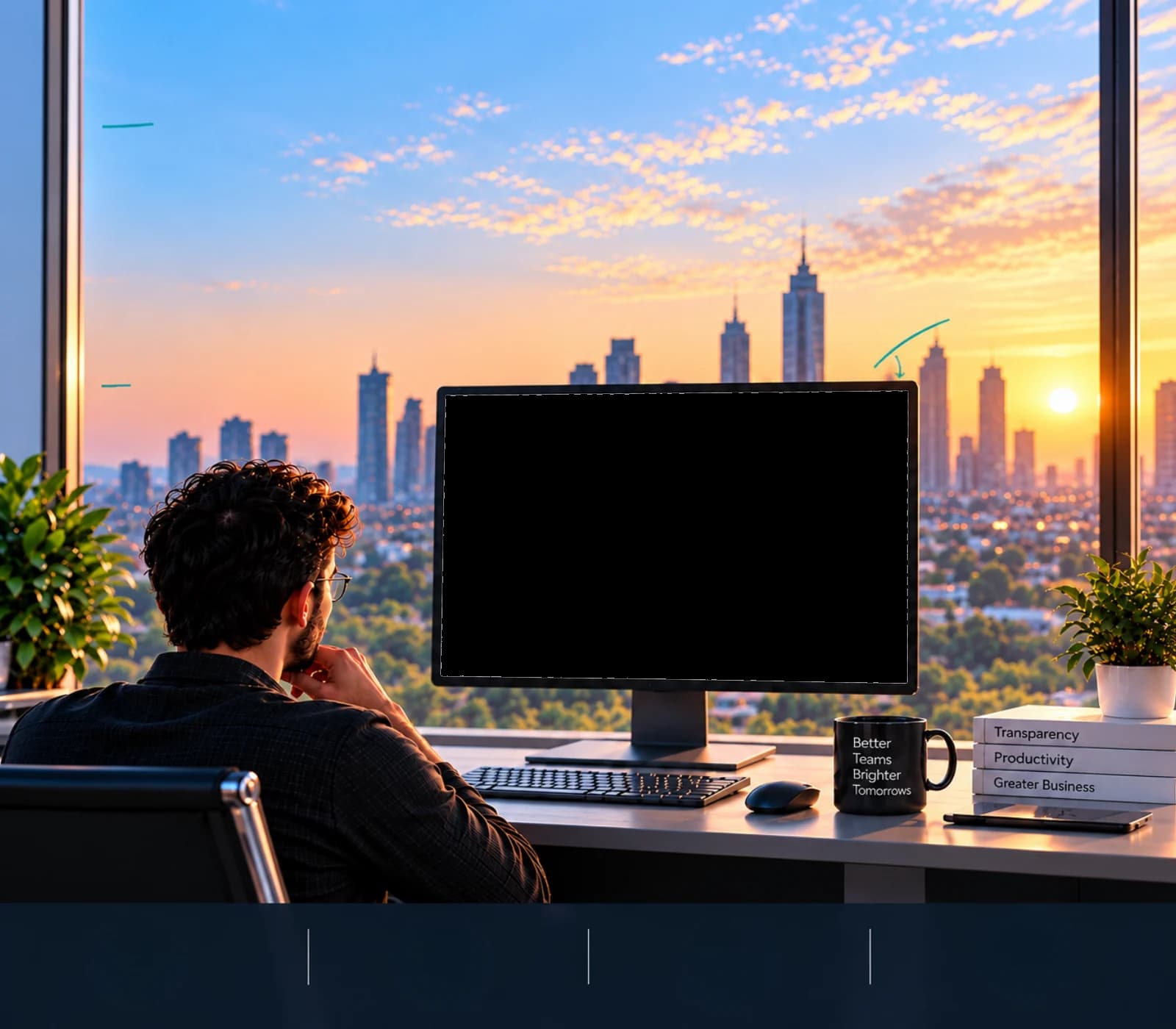
Visibility that drives growth

See the work.
Improve the way it moves.

Understand how your team works, spot friction, and turn everyday activity into better productivity.

  • No credit card required
  • Setup in 2 minutes
  • Cancel anytime
Search employees, departments...
A

Welcome back

Good morning, Arjun! 👋

Here’s what’s happening with your team today.

Total Employees

14

9 tracking right now

Active Employees

9 / 14

64% of team working now

Total Tracked Time

61h 02m

↑ 8% vs. yesterday

Avg Productivity

91%

↑ 4% vs. yesterday

Live Team Status

Who’s doing what, right now.

View All
14Employees
Working6
In a Meeting1
On Break1
Idle1
Not Tracking3

Productivity Trend

Team productivity, last 7 days.

Built for every kind of team
  • In-office teams
  • Remote teams
  • Hybrid teams
  • Engineering
  • Design studios
  • Sales
  • Support desks
  • Agencies
  • HR & people ops
  • Finance & operations
A more productive world
Real progress knows no borders

See where
better work
is happening.

Teams around the world use time tracking to bring more visibility to their work. Explore how adoption and productivity benefits vary across regions.

Quick setupGet started in minutesBuilt for teamsOf any sizeNo credit cardrequired
Other Countries18%Time tracking adoption

India

Time tracking adoption

42%


How teams in India benefit

  • Better visibility into work hours
  • Easier identification of idle time and work patterns
  • More informed workload and productivity decisions
  • Clearer understanding of where working time goes

More visibility. More productive teams. A stronger tomorrow.

Visibility helps teams understand where time goes — where better work begins.

Teams. Time. A brighter tomorrow.

How Praxis works

Turn everyday activity
into useful insight.

Praxis brings work hours, activity, apps, websites, screenshots and work patterns into one clear view — so you can understand what’s happening without digging through data.

Search employees, departments...
A

Timesheets

Daily time logs from the desktop agent.

36h 48m
Total Hours
1
Completed
1
Overtime Days
EmployeeWorked
PS
Priya Sharma
5h 24m
RM
Rohit Mehta
4h 42m
NS
Neha Singh
8h 30m
VR
Vikram Rao
5h 42m
MC
Mike Chen
5h 00m
DC
Daniel Cruz
7h 30m

01Work Hours & Productivity

Know when work happens and how time is spent.

Search employees, departments...
A

Activity & Tracking

Real-time employee activity monitoring.

9
Active Now
2
On Break
2
In Meeting
3
Not Tracking
EmployeeStatus
PS
Priya Sharma
Design
Working
RM
Rohit Mehta
Engineering
In Meeting
AK
Aisha Khan
Design
Working
KP
Karan Patel
Marketing
Idle
NS
Neha Singh
Engineering
Working
AV
Arjun Verma
Sales
Discussing
SK
Sara Khan
Design
On Break

02Activity Insights

See what your team is doing across apps and websites.

  • Understand Work Patterns
  • Support Your Team
  • Make Informed Decisions
  • Build a Healthier Work Culture
Search employees, departments...
A

Screenshots

Org-wide employee screenshot captures.

Export
PS
Priya Sharma10:24 AM
RM
Rohit Mehta10:40 AM
NS
Neha Singh11:05 AM
VR
Vikram Rao11:20 AM
AK
Aisha Khan11:42 AM
MC
Mike Chen12:05 PM

03Screenshots & Visual Monitoring

Keep your team accountable with visual proof.

  • Real Screenshots
  • App & Website Usage
  • Clear Visibility
  • More Productive Teams
Search employees, departments...
A

Employees

14 people · 9 active now

Add employee
EmployeeProductivity
PS
Priya Sharma
Product Designer
85%
RM
Rohit Mehta
Frontend Engineer
78%
AK
Aisha Khan
UX Researcher
82%
KP
Karan Patel
Growth Marketer
47%
NS
Neha Singh
Backend Engineer
91%
AV
Arjun Verma
Account Executive
76%
SK
Sara Khan
Visual Designer
73%

04Team Management

Manage your people, projects and access.

  • Build Stronger Teams
  • Simplify Access Control
  • Drive Project Success
  • Stay Secure
Search employees, departments...
A

Reports & Analytics

Generate and download workforce reports.

Popular
Productivity Report

Worked, idle and activity % per employee.

Generate CSV
Attendance Report

Daily first in / last out and work mode.

Generate CSV
Timesheet Report

Hours per person per day, with overtime.

Generate CSV
New
Team Directory

Everyone tracked, with department and role.

Generate CSV

05Reports & Goals

Track progress and
make better decisions.

  • Comprehensive Reports
  • Goal Oriented
  • Identify Opportunities
  • Stronger Teams
05From activity to understanding

See the activity.
Understand the pattern.

Praxis turns everyday activity — work hours, apps, websites and screenshots — into clear insights, so you understand how your team works, not just what they do.

Work HoursActive, idle and break time
Apps & WebsitesSee what tools are used+12
ScreenshotsVisual proof of work+8
Activity LevelsKeyboard & mouse activity
PraxisCollectsOrganizesAnalyzesTurns into insights

Productivity Overview

Last 7 Days
Total Work Hours

1,248h

↑ 12%

Productive Time

892h

↑ 8%

Idle Time

256h

↓ 6%

Team Productivity Trend

ProductiveNeutralUnproductive
MonTueWedThuFriSatSun

Clear insights for better decisions

“It’s not about watching people. It’s about understanding work.”

Complete VisibilityAll activity in one place.
Meaningful InsightsFrom data to patterns.
Smarter DecisionsTake action with confidence.
A More Productive TeamSpot opportunities and remove roadblocks.

More than data. Real understanding.

Praxis collects work hours, app and website usage, activity levels and screenshots, then turns all that activity into clear insights — so you can see how your team works, not just what they do.

  1. Collect Activity Data

    Work hours, apps, websites, activity levels and screenshots.

  2. Organize & Analyze

    We turn scattered activity into structured, easy-to-read insights.

  3. Find the Patterns

    See how time is spent, spot trends and identify what really matters.

  4. Make Smarter Decisions

    Use real insights to improve focus, productivity and team performance.

  • Quick setup
  • No credit card required
  • Free trial
Real data. Meaningful insights

See your team’s work
in a whole new way.

Praxis Tracker gives you a unified view of work hours, activity, apps, websites and screenshots — so you can understand what’s happening and make better decisions.

TrackWork hours & activity across projects and tasks.
MonitorApps, websites and tools used.
CaptureScreenshots with context when it matters.
AnalyzeFind patterns and opportunities.
Search employees, departments...
A

Timesheets

Daily time logs from the desktop agent.

36h 48m
Total Hours
1
Completed
1
Overtime Days
EmployeeWorked
PS
Priya Sharma
5h 24m
RM
Rohit Mehta
4h 42m
NS
Neha Singh
8h 30m
VR
Vikram Rao
5h 42m
MC
Mike Chen
5h 00m
DC
Daniel Cruz
7h 30m
25K+Teams trust us and growing
12M+Hours tracked with accuracy
30%Increase in productivity on average
Global UseTeams in 50+ countries
Get started today

Turn time
into progress.

Get a personalized demo or start your free trial and see how Praxis Tracker brings clarity, accountability, and productivity to your team.

Quick SetupGet started in minutes
No Credit CardNo commitments

Start your free trial

Fill in a few details and get started in minutes.

No credit card required. No commitments.

Frequently asked questions

Got Questions?
We’ve Got Answers.

Find quick answers to common questions about Praxis Tracker. Still need help? We’re just a message away.

01

What is Praxis Tracker?

Praxis Tracker is a productivity and time tracking platform that helps teams track work hours, manage projects, and gain real insights — all in one place.

02

How does the free trial work?

You get full access to every feature for the length of the trial. Nothing is charged, and the account simply pauses at the end unless you choose a plan.

03

Do I need a credit card to sign up?

No. You only add billing details when you decide to continue after the trial.

04

Can I invite my entire team?

Yes. Add people individually or in bulk, group them into teams and departments, and assign roles and permissions per project.

05

What platforms is Praxis Tracker available on?

The agent runs on Windows machines and the console runs in any modern browser, so managers can review activity from anywhere.

06

Is my data secure?

Your data stays on infrastructure you control, access is limited by role, and every screenshot and activity record belongs to your organisation alone.

07

Can I get a demo instead of a free trial?

Of course. Request a demo and our team will walk you through the console with your own use case in mind.

Still have questions?Our team is here to help you.Contact Us